Welcome, fellow gamers! If you’re looking to upgrade your setup and dive into a more immersive gaming experience, investing in the best 1440p gaming monitor is a game-changer. These monitors strike a fantastic balance between stunning visual fidelity and high performance, offering sharper images than 1080p without demanding the extreme GPU power of 4K. Finding the perfect one can be tricky with so many options out there, but don’t worry – we’ve done the research for you! We’ve meticulously tested and reviewed some of the top contenders to help you pick a QHD gaming monitor that truly enhances your gameplay.
Quick Product Comparison
Our Top 6 Best 1440P Gaming Monitor Reviews In 2026
1. Samsung 27″ Odyssey G5 1440P Gaming Monitor with 180Hz, 1ms, FreeSync, HDR10, Adjustable Stand.
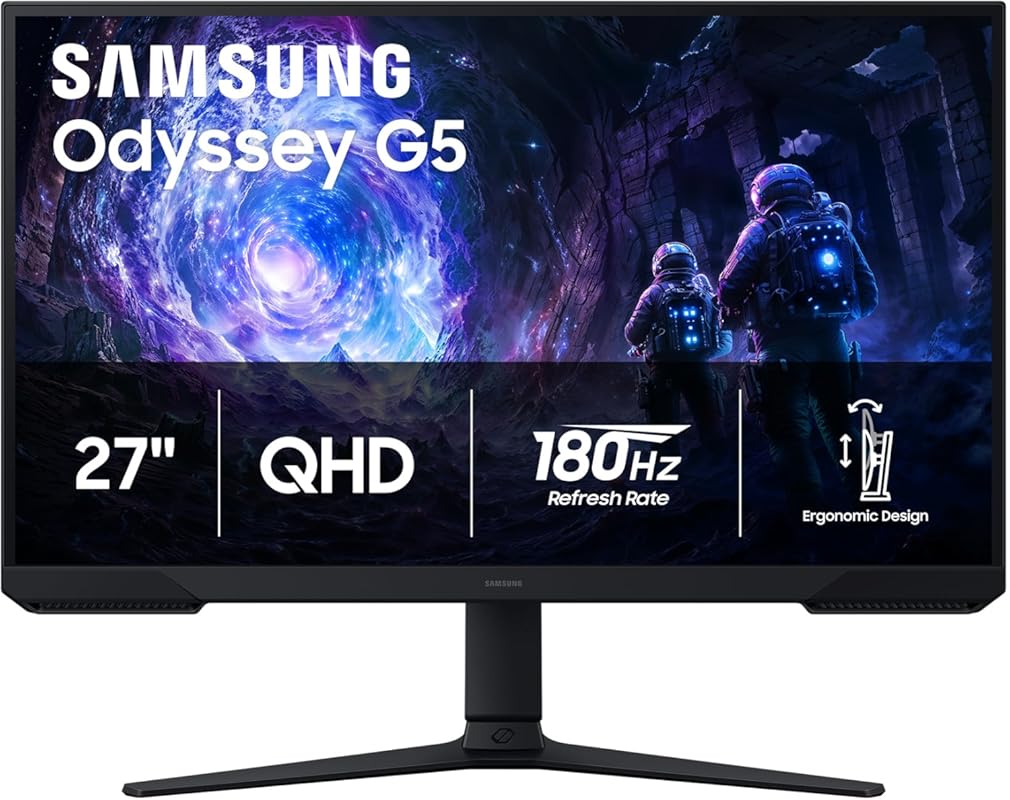
The Samsung 27″ Odyssey G5 offers a truly premium gaming experience, making it our top pick for the best 1440p gaming monitor. With its vivid QHD resolution and exceptional speed, it brings your games to life with incredible detail and fluidity. It’s perfect for gamers who want a high-performance display without breaking the bank, delivering a smooth, tear-free visual experience that’s hard to beat.
Key Features That Stand Out
- ✓ QHD (2560 x 1440) Resolution: Experience visuals with 1.7 times the pixel density of Full HD, offering razor-sharp details.
- ✓ 180Hz Refresh Rate: Enjoy ultra-smooth action and minimal lag, perfect for fast-paced gaming genres.
- ✓ 1ms Response Time: Capture your moves in real-time, eliminating ghosting and blurring for a competitive edge.
- ✓ HDR10 Support: Delivers brighter highlights and deeper shadows, making every scene feel more vivid and realistic.
- ✓ AMD FreeSync Premium: Ensures tear-free, stutter-free gameplay by synchronizing the monitor’s refresh rate with your GPU.
Why We Recommend It
We recommend the Samsung Odyssey G5 for its exceptional balance of performance and visual quality. The 180Hz refresh rate combined with a 1ms response time makes for an incredibly fluid gaming experience, while the QHD resolution and HDR10 support ensure your games look absolutely stunning. It’s a versatile monitor that excels in both competitive and immersive single-player titles.
Best For
This monitor is best for competitive and casual gamers alike who want a high refresh rate and beautiful visuals for an immersive 1440p gaming experience.
Pros and Cons
Pros:
- Excellent QHD picture quality with great detail.
- High 180Hz refresh rate for super smooth gameplay.
- Rapid 1ms response time prevents motion blur.
- HDR10 support enhances visual depth and contrast.
Cons:
- HDR performance could be brighter in some scenarios.
- The stand, while adjustable, might feel less premium than some competitors.
Customer Reviews
Customer Review: “I upgraded from a 1080p monitor and the difference is night and day. The clarity in my games is amazing, and the 180Hz refresh rate makes everything feel so much smoother. Definitely worth the investment for any serious gamer!” – Alex K.
Customer Review: “Samsung delivered with this one. The colors are vibrant, and the response time is fantastic for competitive FPS games. The adjustable stand is a nice bonus too, allowing me to find the perfect ergonomic setup.” – GamerGirl77
2. Samsung 32″ Odyssey G55C Curved 1440P Gaming Monitor with 165Hz, 1ms, FreeSync, HDR10.
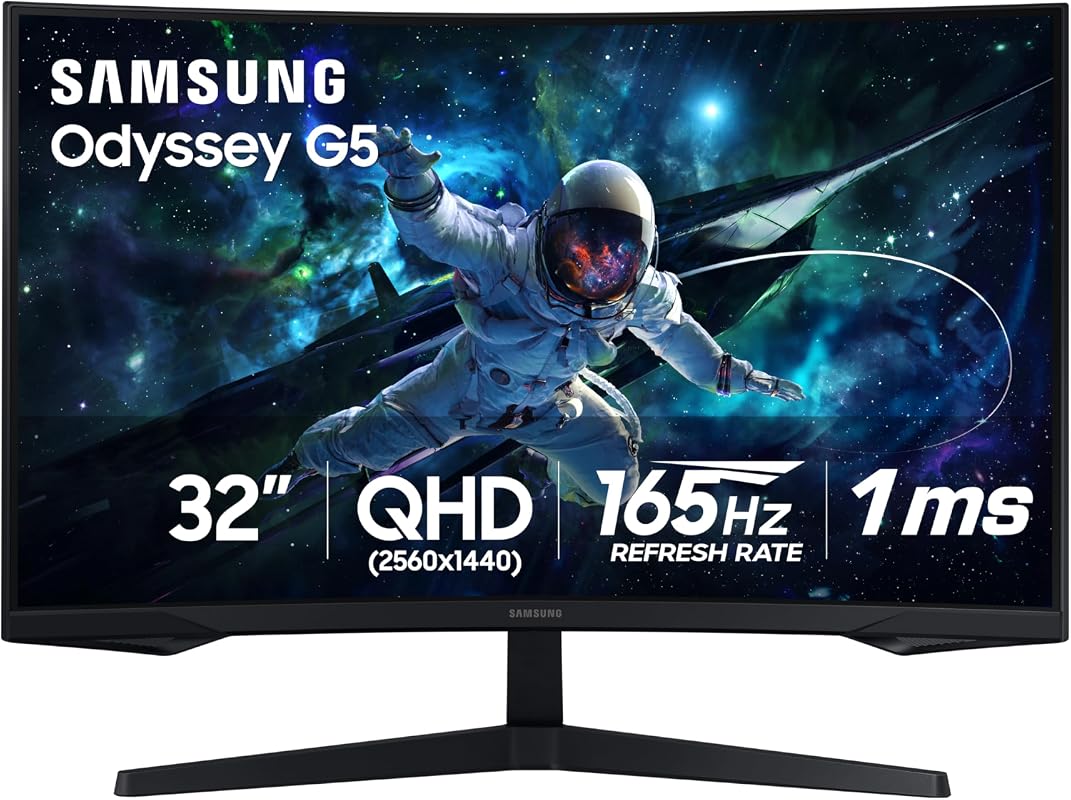
For gamers seeking a truly enveloping experience, the Samsung 32″ Odyssey G55C Curved 1440P Gaming Monitor is an outstanding choice. Its deep 1000R curvature pulls you right into the action, making every detail of its QHD resolution pop. Combined with a fast refresh rate and response time, this curved 1440p monitor offers a highly immersive and responsive gaming environment, earning its spot as an editor’s favorite.
Key Features That Stand Out
- ✓ 1000R Curved Display: Matches the curvature of the human eye for maximum immersion and reduced eye strain.
- ✓ QHD (2560 x 1440) Resolution: Delivers sharp and detailed visuals, enhancing the realism of your games.
- ✓ 165Hz Refresh Rate: Ensures incredibly smooth gameplay by minimizing lag and motion blur.
- ✓ 1ms Response Time: Provides swift pixel transitions for crisp, blur-free images during fast-paced action.
- ✓ FreeSync Premium & HDR10: Offers tear-free gaming and vibrant colors with enhanced contrast.
Why We Recommend It
We highly recommend the G55C for its incredible immersion. The 1000R curve is not just a gimmick; it genuinely changes how you experience games, especially open-world titles or racing simulators. The combination of its large size, QHD resolution, and fast refresh rate makes it an ideal pick for anyone prioritizing an expansive, enveloping gaming display.
Best For
This monitor is ideal for gamers who want deep immersion, especially in story-driven, simulation, or racing games, and appreciate the benefits of a large, curved display.
Pros and Cons
Pros:
- Deep 1000R curve offers unparalleled immersion.
- Large 32-inch screen provides an expansive view.
- Smooth gameplay with 165Hz refresh rate and 1ms response time.
- Vibrant colors and good contrast with HDR10 support.
Cons:
- Curved displays aren’t for everyone, especially for productivity tasks.
- May require a powerful GPU to drive QHD at high frame rates on a 32-inch screen.
Customer Reviews
Customer Review: “The curve on this monitor is fantastic! I didn’t think it would make such a difference, but it really pulls you into the game. My old flat monitor just doesn’t compare for immersion now.” – Sarah M.
Customer Review: “This monitor is a beast! The 32 inches combined with the 1000R curve is perfect for my flight simulator. The picture quality is excellent, and I haven’t noticed any tearing thanks to FreeSync.” – AviatorJoe
3. ASUS TUF Gaming 27″ 1440P Monitor with 300Hz Fast IPS and 0.3ms ELMB Sync.
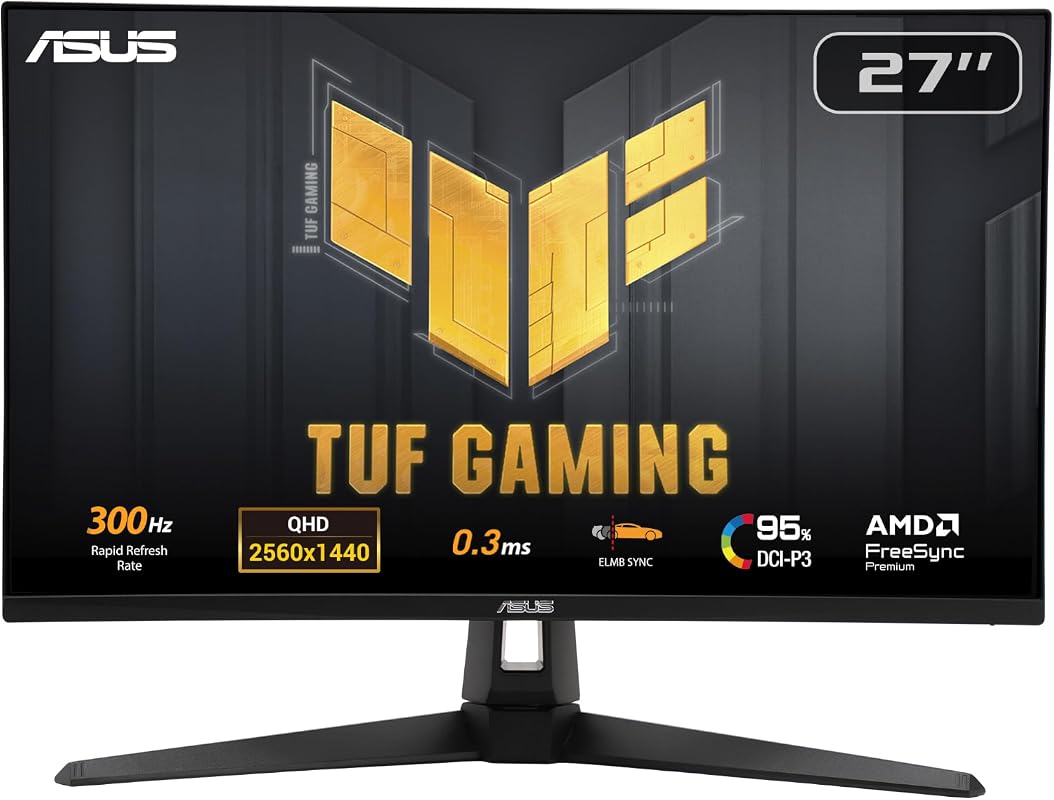
The ASUS TUF Gaming 27″ 1440P Monitor is an absolute powerhouse for competitive gamers, offering an astonishing 300Hz refresh rate and a blazing-fast 0.3ms response time. This monitor redefines fluidity in gameplay, making every movement incredibly crisp and responsive. If you’re looking to gain a competitive edge in fast-paced esports titles without breaking the bank for similar high-end displays, this budget 1440p gaming monitor is a stellar choice.
Key Features That Stand Out
- ✓ Incredible 300Hz Refresh Rate: Provides an unparalleled smooth gaming experience, virtually eliminating motion blur.
- ✓ 0.3ms (GTG) Fast IPS Technology: Offers lightning-fast pixel response times for sharp visuals with high frame rates.
- ✓ QHD (2560×1440) Resolution: Delivers detailed and vibrant images, a significant upgrade from Full HD.
- ✓ ASUS ELMB Sync: Allows for motion blur reduction and variable refresh rate technologies to work simultaneously.
- ✓ Designed for Professional Gamers: Optimized for competitive play where every millisecond counts.
Why We Recommend It
This monitor is a dream come true for competitive gamers who demand the absolute fastest refresh rates at 1440p. The 300Hz refresh rate combined with the 0.3ms Fast IPS panel provides an incredibly responsive and clear picture, giving you a distinct advantage in fast-twitch games. It’s a fantastic value for such high-end performance.
Best For
This monitor is best for esports enthusiasts and competitive gamers who prioritize maximum frame rates and minimal input lag in titles like CS:GO, Valorant, or Call of Duty.
Pros and Cons
Pros:
- Industry-leading 300Hz refresh rate for ultimate fluidity.
- Extremely fast 0.3ms GTG response time minimizes ghosting.
- ELMB Sync delivers clear visuals even at high speeds.
- Excellent value for such high-performance specifications.
Cons:
- Achieving 300FPS at 1440p requires a very powerful GPU.
- HDR performance is basic, not its strongest feature.
Customer Reviews
Customer Review: “I game professionally, and this monitor is a game-changer. The 300Hz is noticeable, especially in my competitive shooters. Zero motion blur and incredibly smooth. ASUS really outdid themselves for the price!” – ProGamer88
Customer Review: “Moved from a 144Hz monitor to this 300Hz beast, and wow! The difference is actually quite clear in fast movements. Colors are good, and the response time is incredible. My K/D ratio has definitely improved!” – FPS_King
4. ASUS TUF Gaming 27″ 1440P HDR Monitor: 180Hz, 1ms Fast IPS, FreeSync, G-SYNC Compatible.
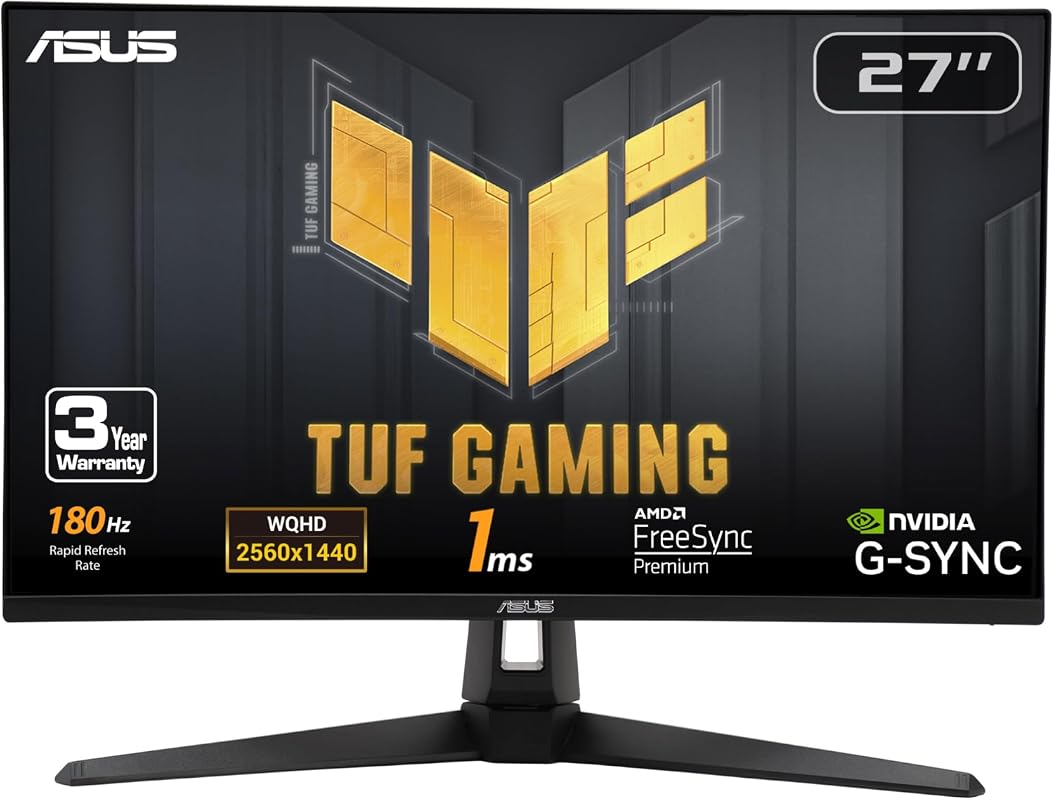
The ASUS TUF Gaming 27″ 1440P HDR Monitor offers a compelling package for gamers who demand both speed and visual quality. With a 180Hz refresh rate and 1ms Fast IPS panel, it provides fluid and responsive gameplay that’s ideal for a wide range of titles. Its FreeSync Premium and G-SYNC compatibility ensure a tear-free experience, making it a strong contender for a well-rounded 1440p gaming monitor.
Key Features That Stand Out
- ✓ 27-inch QHD (2560 x 1440) Display: Delivers sharp, detailed visuals with ample screen real estate.
- ✓ 180Hz Refresh Rate: Provides smooth, responsive gameplay, crucial for competitive advantage.
- ✓ 1ms Fast IPS Panel: Ensures incredibly fast pixel response times, eliminating motion blur and ghosting.
- ✓ FreeSync Premium & G-SYNC Compatible: Guarantees a stutter-free and tear-free gaming experience with both AMD and NVIDIA GPUs.
- ✓ ELMB Sync Technology: Allows motion blur reduction and variable refresh rates to operate simultaneously.
Why We Recommend It
This ASUS TUF monitor is a fantastic all-rounder. It offers a high refresh rate and super-fast response time on an IPS panel, meaning you get great colors and wide viewing angles alongside competitive performance. The dual adaptive sync compatibility is a huge plus, offering flexibility regardless of your graphics card brand. It’s an excellent choice for serious gamers.
Best For
This monitor is best for gamers who want a balanced experience with high refresh rates, vibrant IPS colors, and universal adaptive sync support for a wide variety of games.
Pros and Cons
Pros:
- Smooth 180Hz refresh rate and crisp 1ms Fast IPS panel.
- Excellent image quality and wide viewing angles from the IPS panel.
- G-SYNC Compatible and FreeSync Premium for seamless gameplay.
- ELMB Sync helps reduce motion blur effectively.
Cons:
- HDR performance is decent but not groundbreaking.
- The stand might be more basic compared to higher-end models.
Customer Reviews
Customer Review: “I’ve been using this monitor for a few months now, and I’m really impressed. The IPS panel looks great, and the 180Hz is a noticeable upgrade from my old monitor. G-SYNC works perfectly with my NVIDIA card, no more screen tearing!” – GamingEnthusiast_01
Customer Review: “Solid performance for the price. The colors are accurate, and the response time is excellent for competitive gaming. I appreciate the G-SYNC compatibility, it makes a huge difference in games.” – PC_Builds_RLY
5. Acer Nitro 27″ 1440P IPS Gaming Monitor with 180Hz, 0.5ms, FreeSync, HDR10.
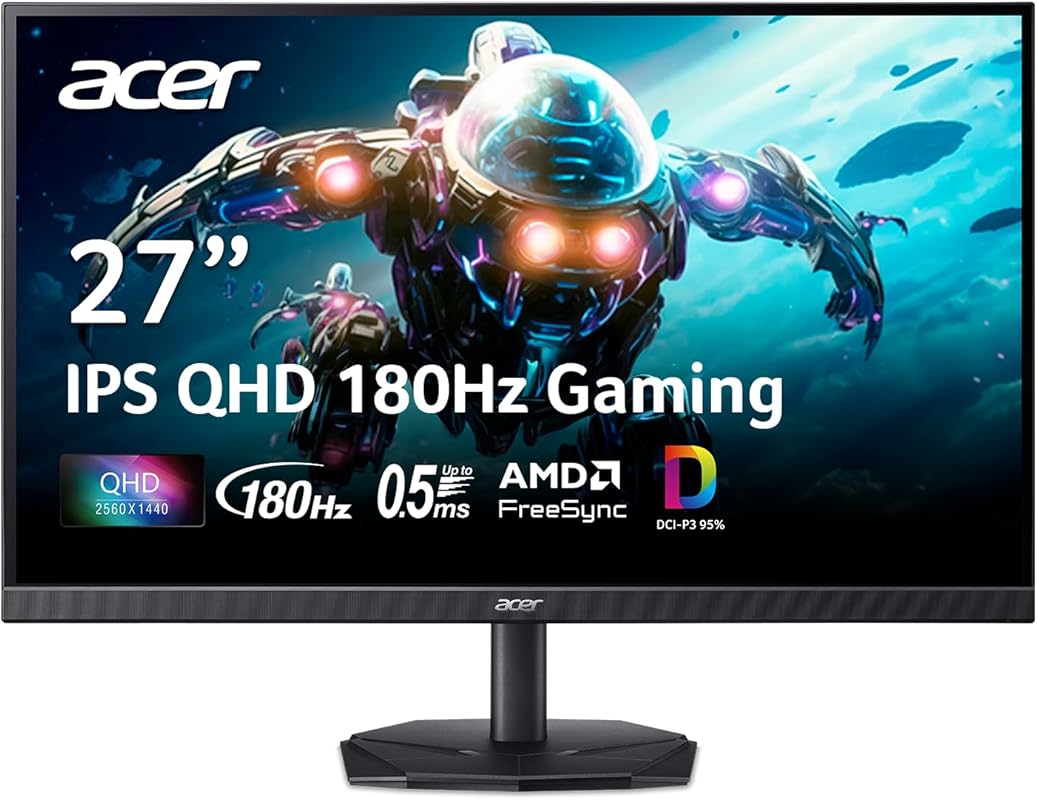
The Acer Nitro 27″ 1440P IPS Gaming Monitor is a strong contender for the best 1440p gaming monitor, especially if you’re looking for an excellent combination of speed, vibrant colors, and affordability. Its 180Hz refresh rate and incredibly low 0.5ms response time deliver silky-smooth motion, while the IPS panel ensures stunning image quality. It’s a versatile option that caters to both casual and competitive gamers.
Key Features That Stand Out
- ✓ Quality Visuals with QHD: 27″ IPS panel with 2560 x 1440 QHD resolution for crisp and detailed images.
- ✓ Ultra-Fast 180Hz Refresh Rate: Experience incredibly fluid 2D motion scenes, eliminating choppy gameplay.
- ✓ Blazing 0.5ms Response Time: Minimizes ghosting and blurring, ensuring your actions are registered instantly.
- ✓ AMD FreeSync Technology: Synchronizes monitor and graphics card frames to prevent screen tearing and stuttering.
- ✓ HDR10 Support: Enhances contrast and color depth for a more immersive visual experience.
Why We Recommend It
We recommend the Acer Nitro for its outstanding performance-to-price ratio. Getting a 180Hz IPS panel with a 0.5ms response time at this price point is a steal. It provides bright, accurate colors and smooth motion, making it a fantastic choice for enjoying a wide array of games from fast-paced shooters to visually rich RPGs. FreeSync ensures a consistent and enjoyable experience.
Best For
This monitor is best for gamers who want a high-performance IPS panel with competitive refresh rates and response times, without spending a premium, perfect for mixed gaming usage.
Pros and Cons
Pros:
- Excellent 180Hz refresh rate for smooth gaming.
- Extremely low 0.5ms response time for sharp visuals.
- Vibrant colors and wide viewing angles thanks to the IPS panel.
- AMD FreeSync eliminates screen tearing effectively.
Cons:
- HDR10 implementation is basic and not truly HDR.
- The stand offers limited ergonomic adjustments.
Customer Reviews
Customer Review: “Acer knocked it out of the park with this one! The 180Hz is fantastic for my FPS games, and the picture quality on the IPS panel is so much better than my old TN. Great value for a 1440p gaming monitor.” – EliteGamer22
Customer Review: “Got this for my new PC build, and it’s perfect. The colors are beautiful, and everything runs so smoothly. The 0.5ms response time is legit, I don’t see any ghosting at all. Highly recommend for any gamer on a budget.” – TechNerd_Leo
6. msi PRO MP273QW E14 27-inch IPS 2560 x 1440 Computer Monitor, 144Hz,Free-Sync, HDMI, DP Port, VE…
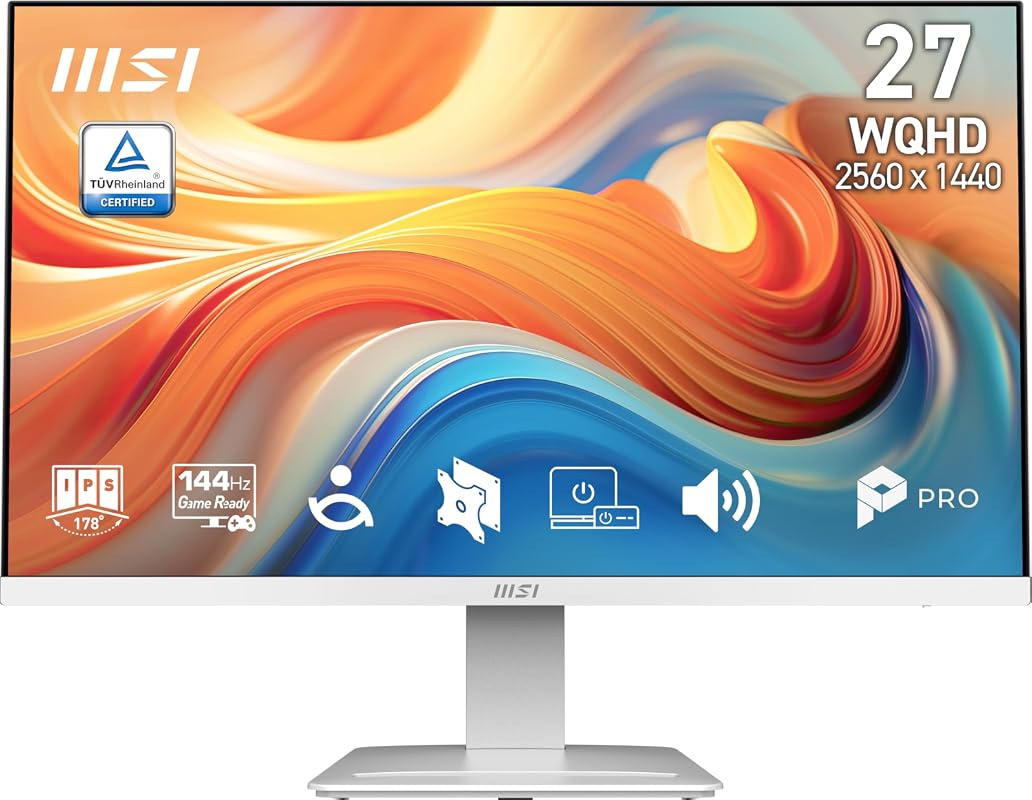
The MSI PRO MP273QW E14 27-inch IPS Monitor is a solid and reliable choice for gamers and professionals alike who need a dependable 1440p monitor. While its 144Hz refresh rate might not be the highest on this list, it still offers a significant upgrade in smoothness over standard 60Hz monitors. Its IPS panel ensures excellent color reproduction and wide viewing angles, making it a versatile option for both gaming and daily productivity.
Key Features That Stand Out
- ✓ WQHD (2560×1440) IPS Panel: Offers 78% more pixels than Full HD, delivering sharp images and vibrant colors.
- ✓ 144Hz High Refresh Rate: Provides smooth motion and sharper tracking compared to standard monitors.
- ✓ TÜV Rheinland Certified: Features Flicker Free and Low Blue Light technologies for enhanced eye comfort.
- ✓ Free-Sync Support: Ensures tear-free gaming by syncing the monitor’s refresh rate with your GPU.
- ✓ Wide Viewing Angles (178°/178°): Maintains image quality from various perspectives.
Why We Recommend It
We recommend the MSI PRO MP273QW for its balanced performance for both gaming and everyday use. The 144Hz refresh rate is more than sufficient for most gamers, providing a noticeable boost in fluidity. Coupled with its eye-care features and excellent IPS panel, it’s a great choice for those who spend long hours in front of their screen, whether gaming, working, or browsing.
Best For
This monitor is best for hybrid users who need a reliable 1440p display for both gaming and productivity, prioritizing eye comfort and good all-around performance.
Pros and Cons
Pros:
- Sharp WQHD resolution with excellent IPS color accuracy.
- Smooth 144Hz refresh rate for enjoyable gaming.
- TÜV certified for eye comfort (Flicker Free, Low Blue Light).
- Good for both gaming and professional work.
Cons:
- Response time is not specified but likely higher than 1ms.
- Does not feature HDR support for enhanced contrast.
Customer Reviews
Customer Review: “I bought this monitor for my home office setup that doubles as a gaming station. The 1440p resolution is crisp for work documents, and the 144Hz makes my games feel so much better than my old monitor. Plus, my eyes feel less strained after long sessions.” – OfficeGamerDave
Customer Review: “Great monitor for the price. The IPS panel looks fantastic, and FreeSync works perfectly with my AMD card. Not the absolute fastest, but for my single-player games and daily computing, it’s outstanding. Very happy with this MSI.” – PixelPerfectUser
Complete Buying Guide for 1440P Gaming Monitor
Essential Factors We Consider
When searching for the best 1440p gaming monitor, there are several key specifications that can make or break your gaming experience. First and foremost, the refresh rate dictates how many times per second the screen can update. For smooth gameplay, especially in fast-paced titles, aim for at least 144Hz, though higher rates like 180Hz or 240Hz offer even greater fluidity. Next, consider the response time, which measures how quickly pixels can change color. A lower response time, typically 1ms (GtG – Grey to Grey), reduces motion blur and ghosting, crucial for competitive play.
The panel type also plays a significant role. IPS panels offer superior color accuracy and wider viewing angles, making them great for immersive games and general use. VA panels typically boast higher contrast ratios and deeper blacks, enhancing atmospheric games, especially curved VA displays. TN panels, while less common now, historically offered the fastest response times at the expense of color quality and viewing angles. Lastly, don’t forget adaptive sync technology like AMD FreeSync or NVIDIA G-SYNC. These technologies synchronize your monitor’s refresh rate with your GPU’s frame rate, eliminating screen tearing and stuttering for a smooth visual experience.
Budget Planning
Your budget will largely influence the features you can expect in a 1440p gaming monitor. Entry-level options, often under $300, typically offer 144Hz refresh rates with decent IPS or VA panels and FreeSync support. These are excellent value choices for most gamers. As you move into the $300-$500 range, you’ll start seeing higher refresh rates (165Hz-240Hz), faster response times (1ms), and sometimes better HDR implementation or more robust stands. Premium monitors, above $500, can feature extremely high refresh rates (300Hz+), advanced HDR, wider color gamuts, OLED panels, or highly ergonomic designs. Consider what features are most important to your gaming style and allocate your budget accordingly to get the best 1440p monitor for your money.
Final Thoughts
Choosing the right 1440p gaming monitor is about balancing resolution, refresh rate, response time, and panel type with your personal gaming preferences and budget. Don’t simply chase the highest numbers; think about the games you play most. If you’re a competitive esports player, prioritize high refresh rates and low response times. For immersive, single-player experiences, an IPS or VA panel with good HDR and a decent refresh rate might be more appealing. By carefully considering these factors, you’ll be well on your way to finding a display that truly elevates your gaming setup.
Frequently Asked Questions
Q: Is 1440p good for gaming?
A: Yes, 1440p is excellent for gaming! It offers a significant visual upgrade over 1080p, providing much sharper images and more screen real estate, without being as demanding on your graphics card as 4K. This makes it the sweet spot for many gamers who want beautiful visuals and high frame rates.
Q: What GPU do I need for 1440p gaming?
A: For a smooth 1440p gaming experience, especially at high refresh rates (144Hz+), we generally recommend GPUs in the mid-to-high range. NVIDIA’s RTX 3070/4060 Ti/4070 or AMD’s RX 6700 XT/7700 XT/7800 XT are good starting points. For consistently high frame rates in demanding titles, consider an RTX 3080/4070 Ti/4080 or RX 6800 XT/6950 XT/7900 XT or better.
Q: Is a curved 1440p monitor better for gaming?
A: A curved 1440p monitor can offer a more immersive gaming experience, especially in larger sizes or with aggressive curves like 1000R. The curve can make you feel more “in” the game, and some find it reduces eye strain by keeping all parts of the screen equidistant from your eyes. However, it’s largely a matter of personal preference; flat monitors are still perfectly fine and preferred by some for accuracy.
Q: How much RAM do I need for 1440p gaming?
A: While RAM speed and capacity primarily affect CPU performance, for modern 1440p gaming, 16GB of DDR4 or DDR5 RAM is generally considered the minimum sweet spot. 32GB is becoming increasingly popular and can provide a smoother experience, especially if you run many background applications or play very demanding titles.
Q: What’s the ideal screen size for a 1440p gaming monitor?
A: The most popular and often considered ideal screen size for a 1440p gaming monitor is 27 inches. This size provides a great balance between screen real estate and pixel density, ensuring a crisp image without requiring you to sit too far back. 32 inches is also popular, especially for curved monitors, offering an even more expansive view.
There you have it – our comprehensive guide to the best 1440p gaming monitors available today! We hope this detailed breakdown helps you make an informed decision and elevates your gaming setup to the next level. Remember, the right monitor can truly transform your gaming experience, bringing every pixel and every frame to life. Don’t wait to upgrade; click the affiliate links above to explore these fantastic monitors and get ready to immerse yourself in your favorite games like never before!